
APPS AND TOOLS REVIEW
Starting your first Shopify store is an exciting leap but it's also one filled with crucial decisions, one of which is selecting apps that help, not hurt, your store. The app ecosystem is vast over 12,000+ apps so the wrong choice can slow your site and drain your budget. However, the right set of apps can streamline operations, enhance UX, and boost conversions without compromising performance or profits.
Launching a Shopify store for the first time can feel like stepping into a completely new world. You’ve got the basics covered products uploaded, a theme set, and your store live but very quickly, you’ll realize that Shopify’s default setup only gets you part of the way to success. This is where apps come in. Shopify’s app ecosystem is like a toolbox, offering thousands of integrations that can help you market your store, boost sales, improve customer support, and automate time-consuming tasks.
For beginners, however, the sheer number of apps available can be overwhelming. Which apps do you really need? Which ones are worth paying for? And more importantly, which apps will actually help you grow without adding unnecessary complexity?
The truth is, not all apps are created equal, and downloading every shiny option you see in the Shopify App Store can quickly bloat your site, slow down performance, and drain your budget. First-time store owners need to focus on apps that solve core challenges: getting traffic, converting visitors, improving customer experience, and streamlining operations. Think of these apps as “building blocks” that give your store a strong foundation. Just as you wouldn’t build a house without solid walls and a roof, you shouldn’t run a store without the tools that handle essentials like email marketing, product reviews, SEO, upselling, and analytics.
In this article, we’ll break down the must-have Shopify apps for new merchants apps that are not only beginner-friendly but also powerful enough to support your growth as your store scales. By the end, you’ll know exactly which tools to prioritize and how to use them effectively to take your Shopify journey from startup to success.
This guide highlights five must-have
Shopify apps for early-stage merchants. These selections are based on actual
performance, free or freemium model availability, and real-world success
stories from the 2025 Shopify landscape.
1.
PageFly: Powerful Free Page Builder

Why It's Great for Beginners:
- No coding required; built for ease-of-use
- Includes conversion-focused templates (hero banners,
countdown timers, testimonial blocks)
- A free plan to get started, with optional upgrades as
needed
- Preserves site speed by optimizing layouts
2.
Judge.me: Affordable Reviews & Social Proof

Why It's Great for Beginners:
- Free plan supports unlimited review requests
- Adds SEO-rich review content to product pages
- Builds trust by showcasing real customer feedback
3.
ReConvert: Post-Purchase Upsell & Thank You Page Builder
 |
Watch ReConvert 3.0 Demo: The Best Post Purchase Upsell App for Shopify via You-tube
Why First-Timers Should Use It:
- Helps increase Average Order Value (AOV) after
purchase (10–30%)
- Drag-and-drop builder requiring no dev skills
- Free plan allows testing before upgrading
4.
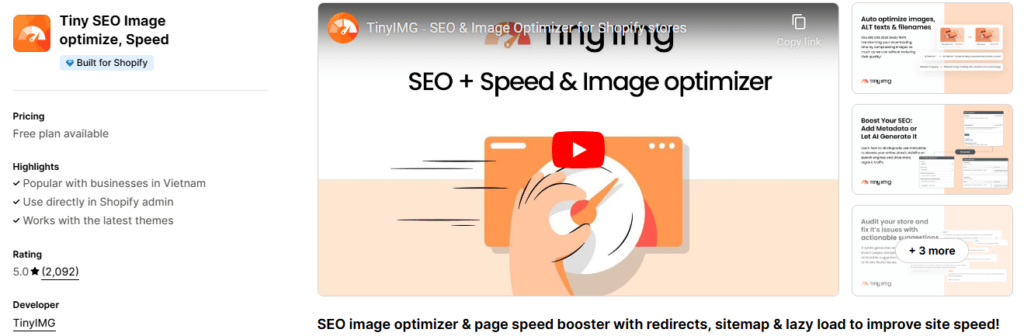
TinyIMG: Multi-Tool Image & SEO Optimizer
 |
TinyIMG Review: Is it worth it? Click to read in-depthly on this tool
Why It’s Crucial:
- Improves site speed instantly
- Enhances SEO by ensuring clean, optimized metadata
- Highly rated and lightweight, ideal for lean stores
5.
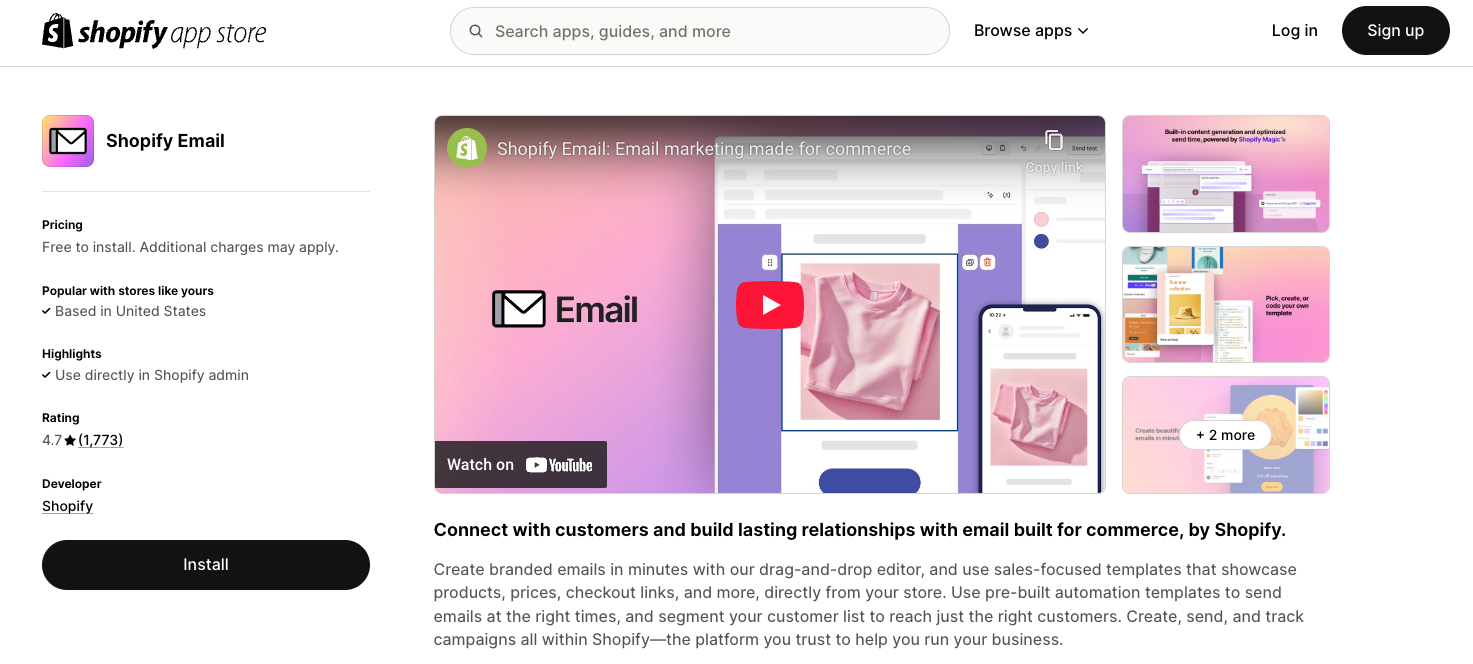
Shopify Email – Built-In Email Campaigns (10K Free Sends)
Why First-Time Owners Should Use It:
- 10,000 free emails per month included
- Products auto-populate, saving setup time
- Easy-to-use drag-and-drop editor
- No need to integrate third-party email tools initially
Real-World
Users Echo the Need for Simplicity & Necessity
This recommendation reinforces the
mindset you should adopt: prioritize essential, lightweight, reliable apps
over flashy ones.
Choosing
Wisely: Quick Comparison Table
App Functionality Why Choose It as a
Beginner
PageFly Custom pages/layouts Build
unique pages without coding, fast & visually enticing
Judge.me Reviews & social proof Turns
buyer trust into visible ratings and rich SEO
ReConvert Thank-you upsells High-impact,
easy AOV boost post-purchase
TinyIMG SEO + image speed Optimizes
visuals and metadata automatically
Shopify Email Built-in email marketing Free, integrated, and beginner-friendly
Setup
& Strategy: What to Do First
Day
1: Quick Setup
- Install PageFly,
create a custom landing page using a template.
- Configure Shopify Email and draft a welcome
email for opt-ins.
- Set up Judge.me review automation to trigger
after purchase.
Day
2–3: Optimize & Automate
- Use TinyIMG to compress your entire media
library.
- Set up a ReConvert upsell funnel—test with a
simple related-product offer.
- Monitor load speeds and conversion metrics (Shopify
Analytics).
Week
1–2: Track & Expand
- Review AOV data to assess if ReConvert upsell moved the
needle.
- Encourage early customers to leave reviews via
Judge.me.
- Use PageFly to build a targeted promo or FAQ page.
Below listed contents are the previously Published Articles that are related to this topic
- Avoid clinchers: Ensure foundational readiness with 10 Shopify Mistakes Beginners Make (and How to Avoid Them)
- Layer smart selling tactics using Shopify Sales Strategies the Top 1 of Merchants Use
Final
Word
For first-time Shopify store owners, these five apps represent critical, lightweight enhancements that set your store up for faster setup, higher conversions, and growth-ready infrastructure. Start with these essentials, monitor performance, and add specialized tools later when needed. Keep your options focused, effective, and efficient and you’ll build both trust and profits from day one.
Starting your Shopify journey without the right apps is like trying to run a marathon in sandals you might make progress, but you’ll hit unnecessary roadblocks along the way. The apps we’ve discussed aren’t just “nice-to-haves” they’re essential tools that help you compete in the fast-paced world of eCommerce.
By adding features like customer reviews, email automation, SEO optimization, and upselling, you create a more complete and professional shopping experience that builds trust and encourages buyers to return. The goal isn’t to install as many apps as possible, but to focus on those that bring measurable results. A handful of well-chosen apps can transform your store from basic to powerful, giving you a real edge over competitors who are still struggling with manual processes or limited features.
It’s also important to remember that the Shopify journey doesn’t end after installing a few apps it’s about continuous learning and adaptation. As your business grows, your needs will evolve, and so will the tools you rely on. Some apps you start with may no longer be relevant in a year, while others may become indispensable.
That’s why you should approach apps with the mindset of experimentation: test them, track their impact, and keep what works. A smart app strategy not only saves time and increases efficiency but also allows you to focus on what matters most building relationships with your customers and scaling your store.
As a first-time store owner, your path to success begins with the right toolkit, and by choosing these must-have apps, you’re laying the foundation for long-term growth in 2025 and beyond.






0 Comments
We are happy to see your feedback