
SHOPIFY SETUP
How
to Set Up Shopify Payments and Avoid Hidden Fees
When it comes to running a successful Shopify store, your payment gateway plays a huge role in both customer experience and your bottom line. Shopify Payments is the platform’s built-in payment solution that allows merchants to accept credit cards, debit cards, Apple Pay, Google Pay, and more without needing a third-party provider. It’s convenient, fast, and trusted.
However, many merchants miss out on its
full benefits because they don’t understand how Shopify Payments works, how fees are structured, and what hidden
costs they might encounter. A poorly optimized payment setup can eat
into profits, while a well-configured one can save you thousands in fees over
time.
Getting paid is the heartbeat of every
online business. You can have the best products, a stunning Shopify theme, and
brilliant marketing campaigns, but if your payment system isn’t smooth,
transparent, and cost-effective, your store will struggle.
This is where Shopify Payments comes in. It’s not just another payment gateway
it’s Shopify’s all-in-one, fully
integrated payment processor that removes the headaches of third-party
providers. It allows you to accept major credit cards, debit cards, Apple Pay,
Google Pay, and even Shopify’s own accelerated checkout, Shop Pay.
But here’s the truth most beginners
overlook: while Shopify Payments simplifies things, the way you set it up
determines how much money you keep. Many merchants unknowingly lose profits
through hidden transaction fees, currency conversion charges, or failing to
take advantage of built-in features that eliminate extra costs.

In this guide, you’ll learn step by
step how to activate Shopify Payments, understand its fee structure, spot
hidden charges, and configure your store for maximum efficiency. By the end,
you’ll have the knowledge and confidence to make Shopify Payments work for you
not against you.
This article will walk you through how to set up Shopify Payments properly, what
fees to expect, and how to avoid unnecessary hidden charges so you can
maximize your revenue.

Step 1: Check Shopify
Payments Availability
Shopify Payments isn’t available
worldwide. Before setting it up, make sure your country is supported. Some
major supported regions include the U.S., Canada, U.K., Australia, Japan,
and several European countries.
If Shopify Payments isn’t available in
your country, you’ll need to use a third-party payment provider, which
usually means extra transaction fees.
Step 2: Enable
Shopify Payments in Your Dashboard
- Log
in to your Shopify Admin Panel
- Go
to Settings > Payments
- Select
Shopify Payments
- Click
Activate Shopify Payments
You’ll be asked to provide:
- Business
information
(legal name, business registration, tax details)
- Bank
account information (where payouts will be deposited)
- Identity
verification documents
Once submitted, Shopify verifies your
details. This usually takes 1–3
business days.
Step 3: Understand
Shopify Payments Fees
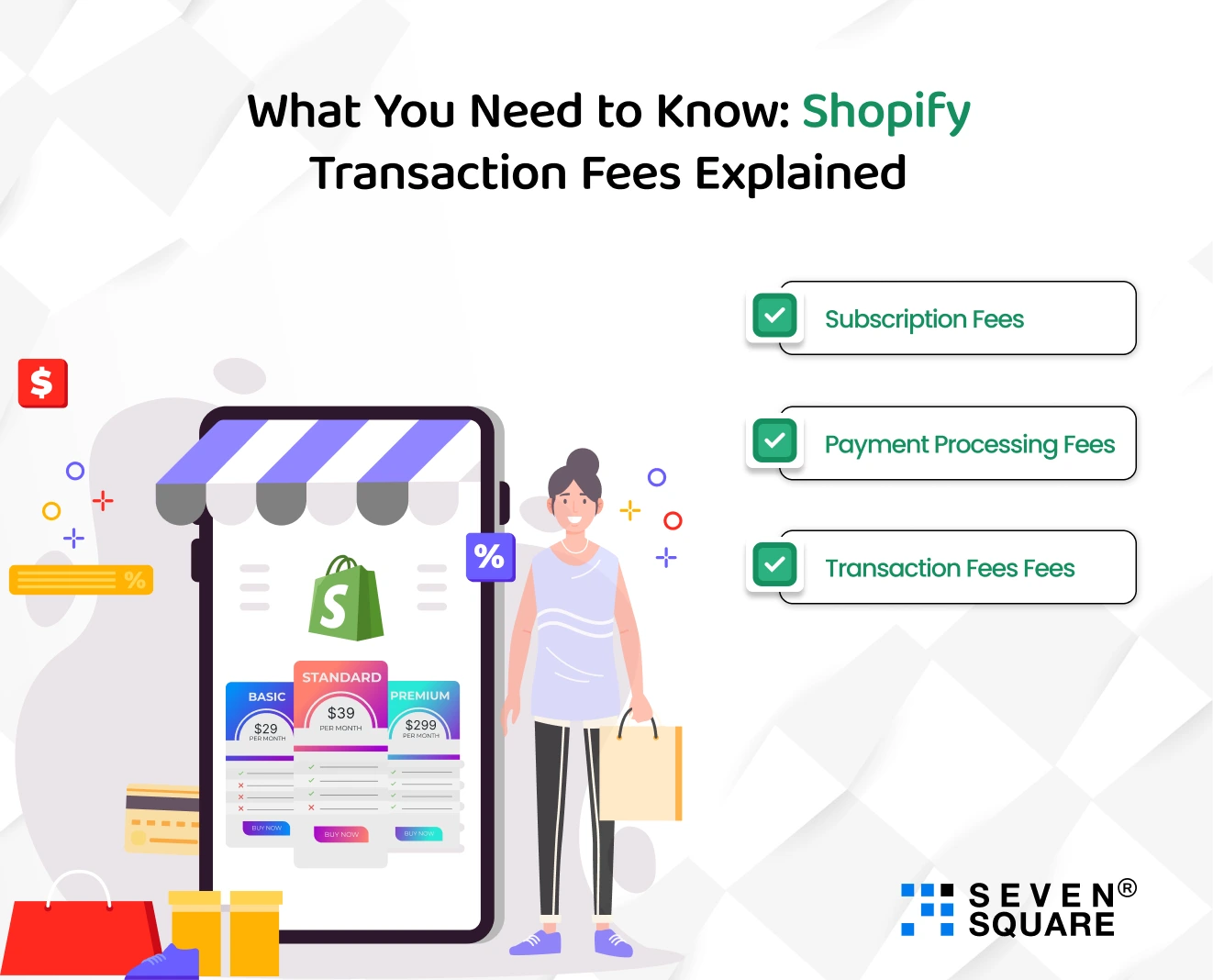
Shopify Payments charges fees based on
your subscription plan:
- Basic
Shopify
→ 2.9% + $0.30 per online
transaction
- Shopify
Plan
→ 2.6% + $0.30
- Advanced
Shopify
→ 2.4% + $0.30
If you use Shopify Payments, you avoid the extra 2% fee that Shopify charges when you use third-party payment
gateways. This alone saves you a lot in hidden costs.
Step 4: Avoid Hidden
Fees
Here are some strategies to keep costs
down:
- Always
use Shopify Payments (when available) → Avoids extra 2%–0.5% transaction
fees.
- Encourage
local currency payments → Avoid
unnecessary currency conversion fees.
- Offer
Shop Pay
→ Shopify’s accelerated
checkout reduces cart abandonment and avoids failed transaction costs.
- Optimize
refunds/chargebacks → Shopify charges a fee for
chargebacks; reduce risks with clear product descriptions and a strong
return policy.
- Monitor
app-based fees
→ Some apps add transaction charges
when connecting payment gateways keep these to a minimum.
Step 5: Set Up
Alternative Payment Options
Not all customers want to use a credit
card. Within Shopify Payments, you can also enable:
- Apple
Pay & Google Pay (fast checkout on mobile)
- Shop
Pay
(one-click accelerated checkout)
- Buy
Now, Pay Later
options (Shopify Installments, Klarna, Afterpay in supported countries)
Offering these boosts conversions and
doesn’t add hidden fees when processed through Shopify Payments.
Step 6: Regularly
Review Payouts and Fees
From your Shopify Admin, go to Settings
> Payments > View Payouts.
Here you can:
- Track
transactions
- See
payout schedules
- Monitor
fees deducted
Make it a habit to audit your payouts monthly. Many
merchants miss hidden losses from currency conversion or third-party gateway
overlaps.
Conclusion

Shopify Payments is one of the most
powerful tools you can use to streamline checkout, save on fees, and boost
customer trust. By setting it up correctly, you not only make payments easier
for your customers but also keep more money in your pocket.
The key is to understand the fee structure, avoid third-party gateway charges, and use
built-in features like Shop Pay and local currency checkout. With the
right setup, you can eliminate hidden costs and maximize your profit margins.
When set up
correctly, Shopify Payments gives you:
- A
seamless checkout experience for your customers
- Lower
transaction costs compared to third-party gateways
- Access
to Shop Pay, which is proven to increase conversion rates
- More control over payouts, fees, and fraud protection
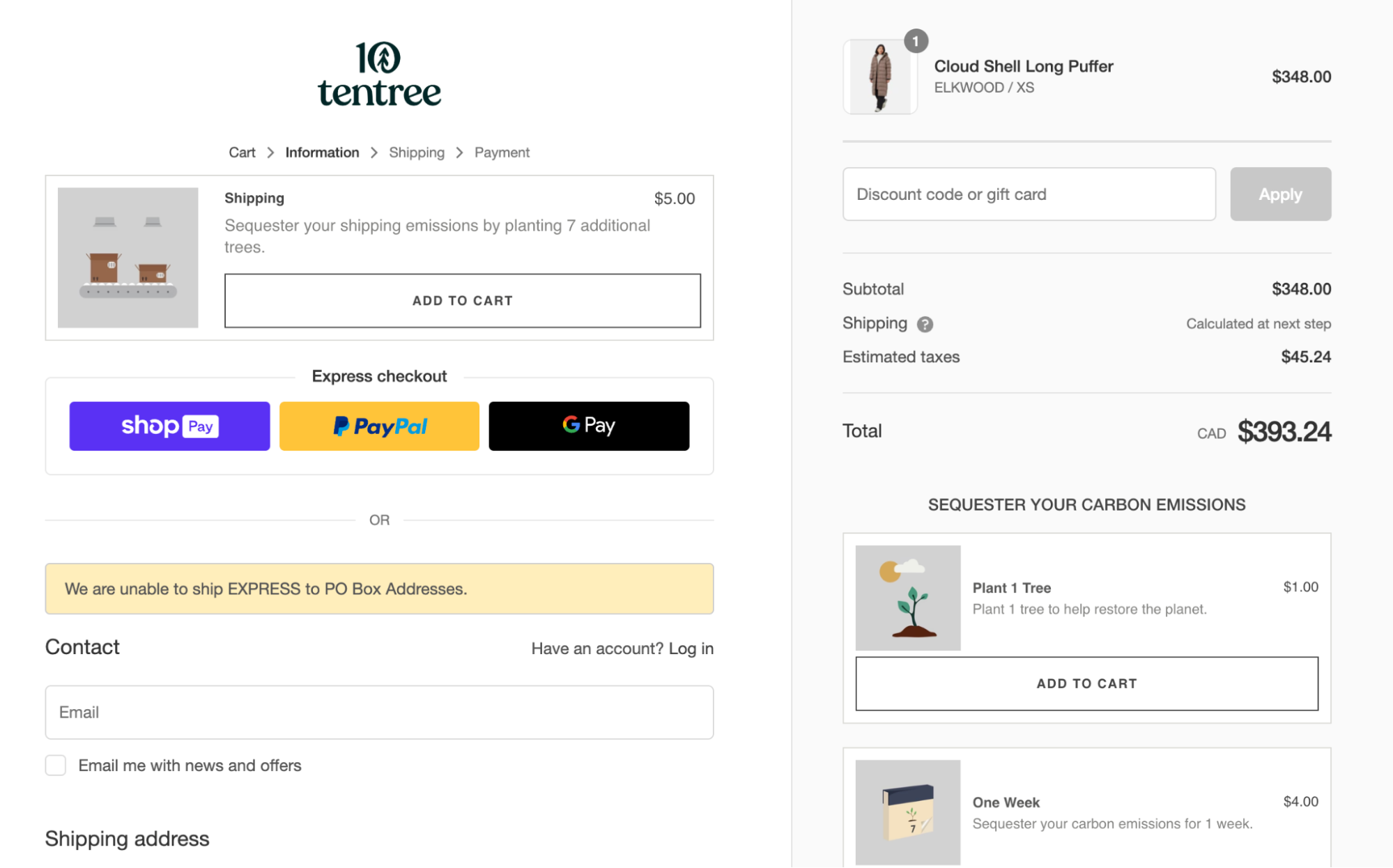
But if you overlook the details, hidden
costs can pile up quickly. Transaction fees, currency conversions, and
unnecessary third-party gateway charges can eat into your margins without you
even realizing it. That’s why this setup isn’t just a “technical task” it’s a strategic business decision. Every
percentage point you save on fees directly increases your profit. For merchants
operating on tight margins, this can mean the difference between scaling
successfully and struggling to stay afloat.
So, as you move forward with your
Shopify journey, don’t treat payments as an afterthought. Make Shopify Payments
your foundation, audit your payouts regularly, and stay informed about updates
to Shopify’s pricing structures. Doing so will put you miles ahead of merchants
who fail to optimize this crucial aspect of their business.
Remember: the goal isn’t just to sell it’s to keep more
of what you sell. With Shopify Payments set up the right way, you’ll
build a store that not only grows but also remains financially strong in the
long run. If Shopify Payments is available in your country, activating it
should be one of the first things you do when launching your store, it’s a
no-brainer for serious merchants.
At the end of the day, running a Shopify store isn’t just about generating sales it’s about keeping as much of your hard-earned revenue as possible. One of the smartest ways to achieve that is by mastering Shopify Payments.
Are you now ready to level up your Shopify store? bookmark this tab and apply what you've learnt. Check back for more real and working tips for your Shopify store, Comment and follow us by submitting your email for any new articles that will help your ecommerce business grow. Thank you.






0 Comments
We are happy to see your feedback