
STORE OPTIMIZATION

If you run a Shopify store without
actively checking your analytics, you’re essentially running blind. Data is the
compass that tells you where your store is headed, what’s working, and where
you’re losing money. While many merchants focus on designing beautiful stores
and running ads, the real game-changer lies in understanding customer behavior
through analytics.
Shopify Analytics is more than just
numbers it’s a roadmap to higher conversions and increased revenue. From
identifying your top-selling products to seeing where customers drop off in the
checkout process, analytics can reveal opportunities you never realized were
costing or making you money. The merchants who scale their stores to six and
seven figures are not guessing; they are using data to make smarter decisions.

Your
Shopify checkout page is the last stop before a visitor becomes a paying
customer. But here’s the truth: even
the smallest distractions, confusing steps, or lack of trust signals can make a
shopper abandon their cart and never return. Studies consistently show that
checkout abandonment rates hover between 60–80% across eCommerce stores, and
Shopify merchants are not exempt.
What
separates thriving Shopify businesses from struggling ones often comes down to how well they optimize the checkout
experience. A well-structured, frictionless checkout builds
confidence, reduces hesitation, and makes customers feel secure about
completing their purchase. On the other hand, a cluttered or poorly designed
checkout is like leaving money on the table it sends ready-to-buy customers
away.
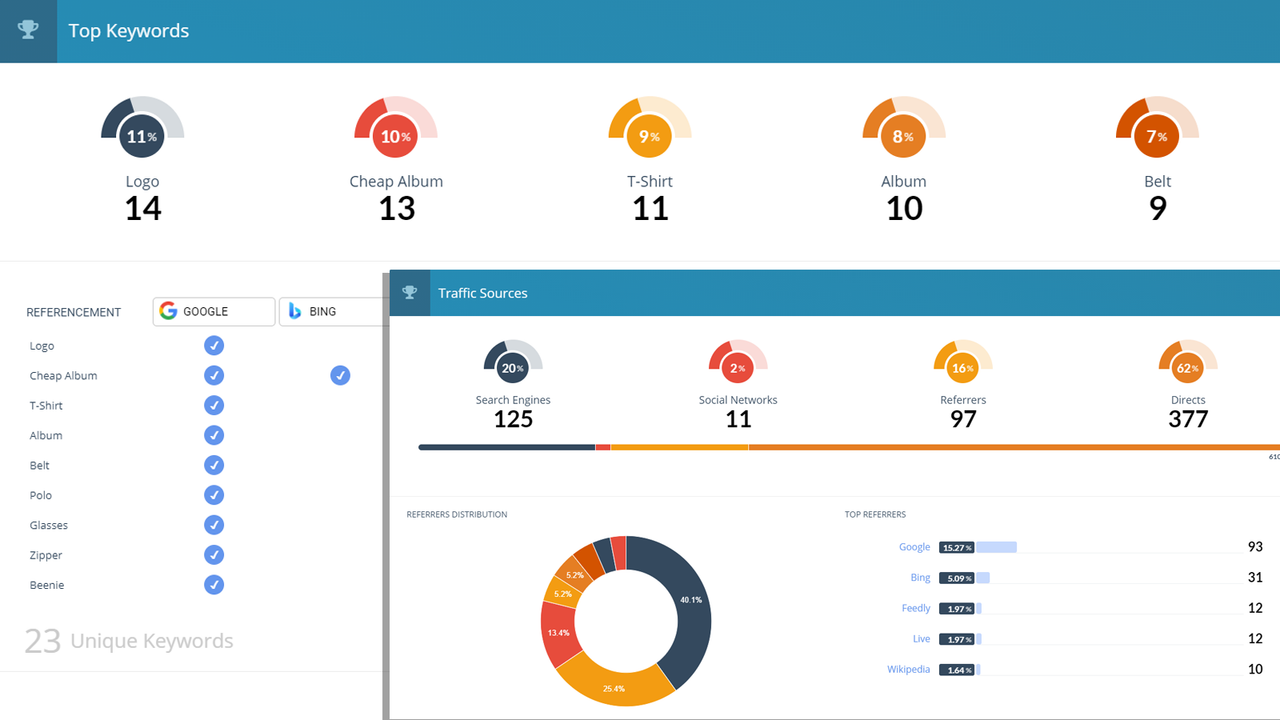
In this article, we’ll explore how to use
Shopify Analytics to track performance, understand your customers, and take
action that directly improves sales. Whether you’re a beginner trying to make
sense of the analytics dashboard or an advanced seller looking to squeeze more
profits from your campaigns, you’ll discover how to transform numbers into
actionable insights.
1. Why Shopify
Analytics Matters

Analytics isn’t just about vanity metrics
like traffic numbers it’s about discovering what drives actual sales. For
example:
- Which
traffic sources bring in the most buyers?
- Which
products generate the highest profit margin?
- Where
do most customers abandon their carts?
Without this data, every marketing
decision is just a guess. But with it, you can cut unnecessary costs, double
down on profitable campaigns, and optimize customer journeys for maximum
conversions.
You can also read on Shopify Cart Abandonment Solutions
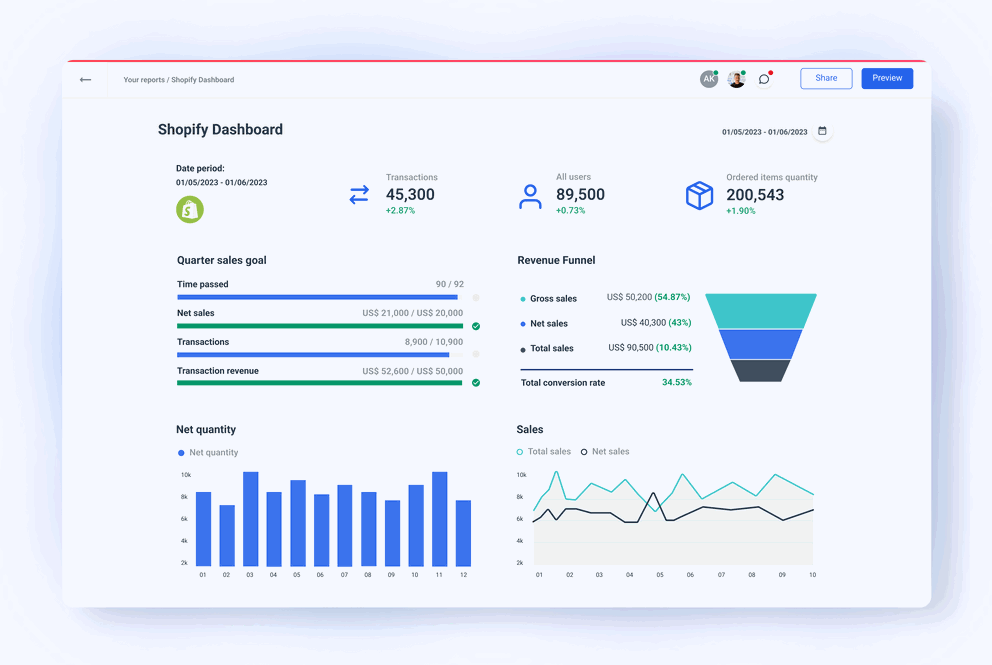
2. Key Metrics You Should Be Tracking
Shopify Analytics can feel overwhelming
at first, so let’s break down the most important metrics:
- Conversion
Rate:
Shows how many visitors actually purchase. A low conversion rate signals
issues with product pages, checkout, or trust signals.
- Average
Order Value (AOV): Tells you how much a customer spends on average.
Boosting AOV with bundles or upsells can dramatically increase revenue.
Customer Lifetime Value (CLV): Measures how much a customer is worth over time. This metric helps you decide how much you can spend on ads. - Cart
Abandonment Rate:
Reveals how often people leave before completing checkout. High rates mean
your checkout experience needs work.
- Traffic
Sources:
Shows whether your sales come from social media, paid ads, SEO, or
referrals. This tells you which channels are worth scaling.
3. Using Analytics to
Optimize Sales Funnel
Your sales funnel from awareness to
purchase can make or break your business. Shopify Analytics shows where
customers drop off, allowing you to plug revenue leaks.
- If
traffic is high but conversions are low, focus on product page
optimization.
- If
add-to-cart rates are good but checkouts fail, focus on checkout
optimization.
- If
customers buy once but don’t return, focus on email marketing apps for
retention.
You can also read Best Shopify Email Marketing Apps
By combining these insights, you can improve each stage of the funnel, turning more visitors into paying customers.
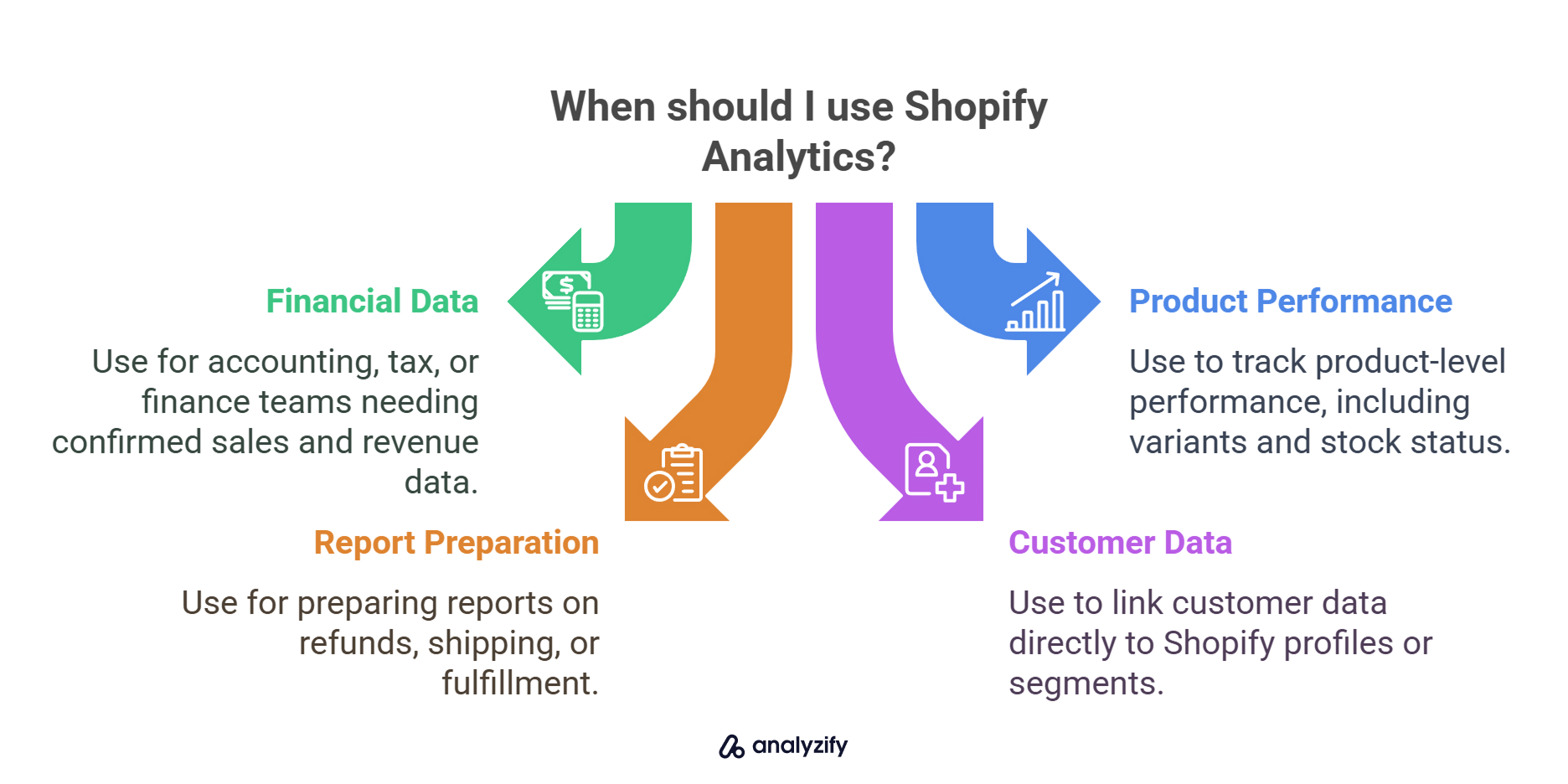
4. Advanced Tracking
with Google Analytics & Heatmaps
Shopify’s built-in analytics is
powerful, but pairing it with tools like Google Analytics 4 or heatmap
software (e.g., Hotjar) gives you deeper insights:
- Heatmaps
show exactly where visitors click and how far they scroll.
- Session
recordings reveal user frustrations in real time.
- Google
Analytics shows how customers interact with your store across devices.
When combined with Shopify Analytics,
these tools give you a 360° view of customer behavior, helping you refine
design, offers, and ad spend.
5. Turning Data into
Actionable Steps
Analytics without action is useless.
Here’s how to act on your findings:
- Identify
your top products and feature them in ads or homepage banners.
- Improve
pages with high traffic but low conversions.
- Retarget
customers who abandoned carts with discount emails.
- Use
upsell and cross-sell apps to increase average order value.
- Double
down on traffic sources that convert, cut those that don’t.
Conclusion
Shopify Analytics is not just a
reporting tool it’s your decision-making guide. By tracking the right metrics
and turning insights into actions, you can eliminate guesswork, optimize your
store, and maximize sales.

What you should not forget is that data
is power but only if you use it. Start small by focusing on key metrics like
conversion rate and AOV, then expand into deeper analytics as you grow. Over
time, your decisions will become sharper, your campaigns more profitable, and
your Shopify store more scalable.
Read more information on Shopify SEO Checklist for New Stores
Remember: checkout optimization is not a
one-and-done task. As customer behaviors shift, technology advances, and
competitors raise their standards, your checkout experience must evolve too.
Regularly test your strategies, gather feedback, and keep refining. By
mastering analytics, you’re not just running a Shopify store you’re running a
data-driven business built for long-term success.
The
result? Lower cart abandonment rates, higher conversion rates, and most
importantly, happier customers who are likely to return and spread the word
about your store. If your goal is to maximize profits without overspending on
ads, start by fixing the
last step of the buyer’s journey your checkout page.
 For
a deeper dive into reducing abandoned carts, make sure to read our guide on Shopify Cart Abandonment Solutions, and if you’d like to build long-term
loyalty, check out Best
Shopify Apps for Customer Support to keep customers coming back. |
Are you now ready to level up your Shopify store? bookmark this tab and apply what you've learnt. Check back for more real and working tips for your Shopify store, Comment and follow us by submitting your email for any new articles that will help your ecommerce business grow. Thank you.






0 Comments
We are happy to see your feedback