
STORE OPTIMIZATION

The
5 Shopify SEO Mistakes That Kill Your Rankings
Search engine optimization (SEO) is one
of the most powerful ways to attract consistent, organic traffic to your
Shopify store. Yet, many merchants unknowingly sabotage their chances of
ranking on Google by making avoidable mistakes. The problem is, unlike paid
ads, SEO mistakes aren’t immediately visible. You may not notice the damage
until months later when traffic is stagnant, your products aren’t being
discovered, and competitors are outpacing you.
When it comes to growing a Shopify
store, traffic is everything. You can have the most beautifully designed
storefront, high-quality products, and competitive pricing, but without
traffic, your store will remain invisible. For most Shopify merchants, search
engine optimization (SEO) is the most reliable and cost-effective way to
attract steady, qualified visitors. Unlike paid advertising which stops the
moment you stop spending; SEO compounds over time, bringing in consistent
organic traffic that converts into loyal customers.
If you’ve ever wondered why your store
isn’t attracting organic visitors, despite your best efforts, chances are
you’re making one or more of these mistakes. Perhaps your product descriptions
are copied from suppliers, making them indistinguishable from hundreds of other
stores. Or maybe your images are slowing down your site because they aren’t
optimized for web performance. Some merchants forget to edit Shopify’s default
URLs and metadata, while others underestimate the importance of blogging and
backlinks for authority building. Each of these oversights chips away at your
ranking potential.

The good news is that these mistakes
are entirely fixable. By identifying and correcting them early, you can
position your store for sustainable growth, outpace competitors, and capture
free traffic that doesn’t eat into your ad budget. Think of SEO as planting
seeds: the sooner you plant and nurture them correctly, the stronger your store
will grow.
In this article, we’ll break down the 5
most common Shopify SEO mistakes that kill your rankings. More importantly,
you’ll learn practical steps to fix them so you can build a Shopify store that
attracts traffic, converts customers, and stands the test of time.
Whether you’re a beginner just
launching your first store or an experienced merchant looking to boost
visibility, this guide will help you avoid the costly missteps that hold so
many eCommerce entrepreneurs back. By the end, you’ll have a clear action plan
to improve your Shopify SEO, strengthen your brand authority, and finally start
reaping the rewards of organic search.
In this guide, we’ll uncover the 5
most common Shopify SEO mistakes that hurt your rankings and show you how
to fix them.
1. Using Duplicate or
Thin Product Descriptions
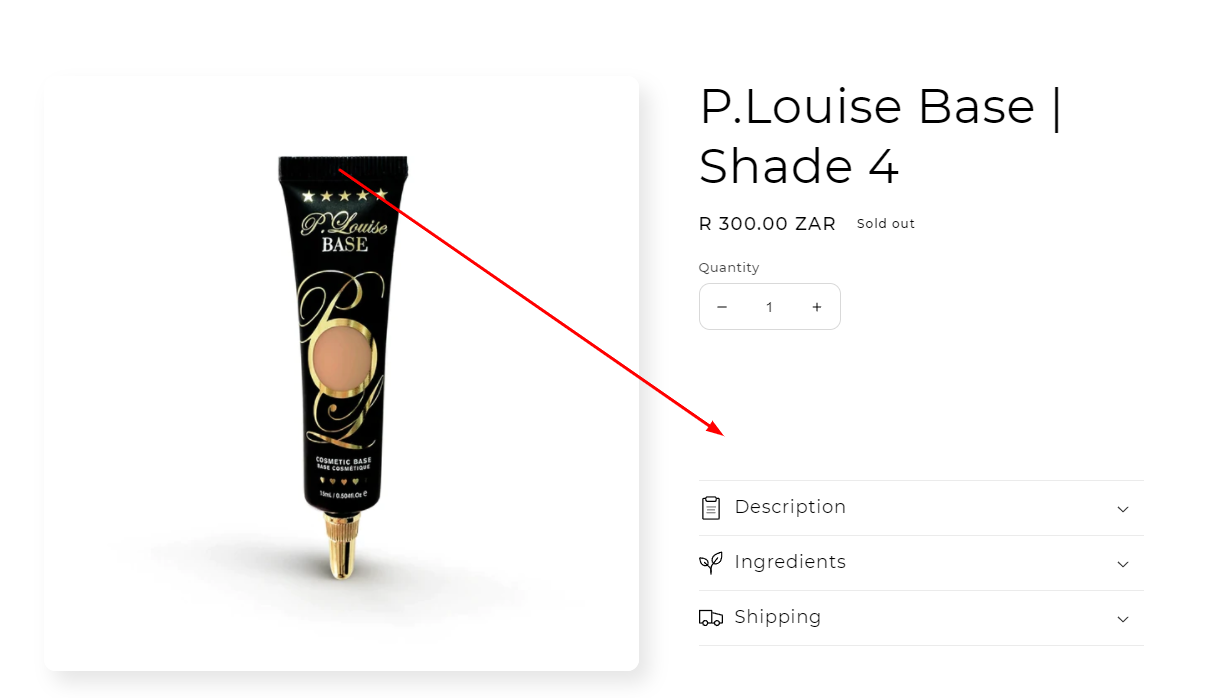
One of the most common Shopify SEO
mistakes is copying manufacturer descriptions or writing extremely short
product descriptions. Search engines prioritize unique, valuable content. If
your descriptions are duplicated across multiple sites, Google has little
reason to rank your page higher.
Why it hurts SEO:
- Duplicate
content confuses search engines, leading to lower rankings.
- Thin
descriptions don’t provide enough context for keywords or customer intent.
How to fix it:
- Write
unique product descriptions tailored to your audience.
- Highlight
benefits, not just features.
- Incorporate
keywords naturally (without stuffing).
Tip: Use Shopify’s bulk
editing or apps like SEO Manager to audit and rewrite duplicate content.
2. Ignoring Image
Optimization
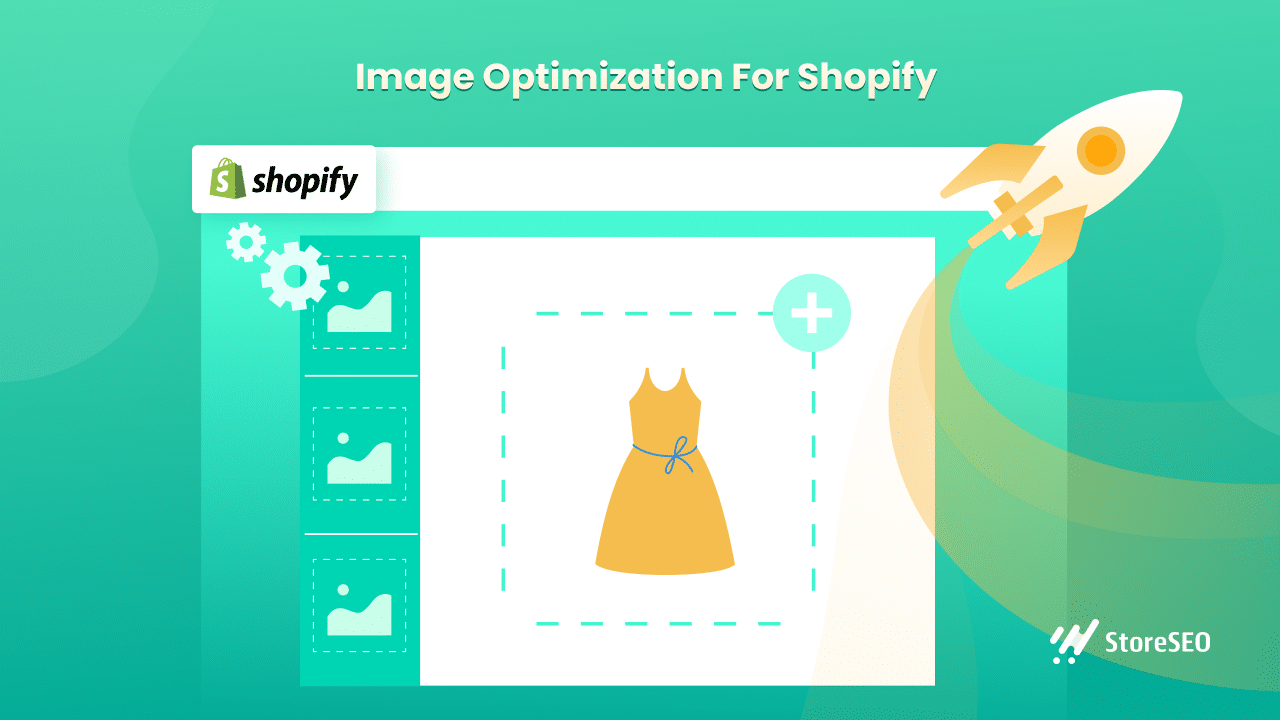
Images are a huge part of eCommerce but
unoptimized images can slow down your store and hurt rankings. Many Shopify
merchants upload high-resolution photos without compressing them, forget to add
alt tags, or fail to use descriptive filenames.
Why it hurts SEO:
- Large
image files increase page load time (a key Google ranking factor).
- Missing
alt tags mean search engines can’t “read” your images.
- Poor
filenames (like IMG_0021.jpg) waste keyword opportunities.
How to fix it:
- Compress
images before uploading (using tools like TinyPNG or Crush.pics).
- Add
descriptive alt text with keywords (e.g., “black leather crossbody bag
for women”).
- Rename
files with SEO in mind.
Faster-loading images don’t just boost
SEO they also improve conversions.
3. Not Optimizing
Shopify URLs and Meta Tags

By default, Shopify generates product
URLs that aren’t always SEO-friendly. Merchants often leave them as-is,
resulting in long, cluttered links. Similarly, many skip optimizing meta titles
and descriptions, which are crucial for ranking and click-through rates.
Why it hurts SEO:
- Un-optimized
URLs (e.g., store.com/products/product-12345) aren’t descriptive.
- Missing
or generic meta tags reduce visibility on search results.
- Low
click-through rates signal to Google that your page isn’t relevant.
How to fix it:
- Edit
URLs to be short and keyword-focused (e.g., store.com/products/leather-backpack).
- Write
unique meta titles (50–60 characters) and meta descriptions (150–160
characters).
- Place
primary keywords naturally in both.
Use Shopify’s built-in SEO fields
under Edit Website SEO for every product/page.
4. Neglecting Site
Speed and Mobile Optimization

More than 60% of online shopping
happens on mobile. If your Shopify store loads slowly or isn’t mobile-friendly,
not only will customers bounce but Google will penalize you in rankings.
Why it hurts SEO:
- Google
uses page speed and mobile usability as ranking signals.
- A
slow, clunky mobile site increases bounce rates.
How to fix it:
- Choose
a fast, mobile-optimized Shopify theme.
- Minimize
app bloat remove unnecessary apps that slow down performance.
- Use
Shopify’s built-in speed report and Google PageSpeed Insights to identify
issues.
Tip: Keep scripts and third-party
integrations lightweight.
5. Forgetting About
Blog Content and Backlinks

Many Shopify merchants focus only on product
pages and ignore blogging but SEO isn’t just about optimizing product listings it’s
about building authority. Without content and backlinks, your store has little
chance of ranking competitively.
Why it hurts SEO:
- Without
blog posts, you miss out on long-tail keyword traffic.
- Lack
of backlinks signals to Google that your site lacks authority.
- Competitors
with active blogs dominate search rankings.
How to fix it:
- Start
a Shopify blog targeting informational keywords (e.g., “best running
shoes for flat feet”).
- Create
guides, comparisons, and tips related to your niche.
- Build
backlinks through guest posting, influencer outreach, and partnerships.
Blogging not only
boosts SEO but also builds trust and nurtures customers at different stages of
the buying journey.
Final
Thoughts

Remember: SEO is not a
one-time task, it’s an ongoing strategy. The sooner you fix these mistakes, the
faster you’ll start seeing results in rankings, traffic, and sales.
Shopify SEO can feel overwhelming at
first, especially with so many moving parts keywords, product pages, site
speed, blogs, backlinks, and more. But as you’ve seen, the real danger isn’t in
the complexity. It’s in the simple but costly mistakes that merchants
make without realizing it. The good news? Once you know these mistakes, you can
fix them quickly and unlock massive growth potential.
Let’s recap:
- Duplicate
or thin product descriptions hurt your ability to rank because
they don’t provide unique value to search engines or to customers.
- Un-optimized
images
slow your store down and waste opportunities to rank in image search.
- Poorly
structured URLs and meta tags make it harder for Google to
understand and rank your content.
- Neglecting
site speed and mobile optimization frustrates users and signals to
search engines that your store isn’t up to standard.
- Skipping blogs and backlinks leaves you invisible in the broader eCommerce conversation, while competitors dominate the rankings.
Correcting these areas isn’t just about
ticking off SEO checkboxes it’s about creating a better shopping experience.
When customers can find your products easily, navigate a fast-loading store,
and trust your content, they’re far more likely to convert into paying
customers. SEO, at its core, is about aligning your store with customer
expectations and search engine requirements simultaneously.
Here’s the best part: you don’t have to
fix everything overnight. Start small. Update a few product descriptions this
week, compress your images, or rewrite your meta titles. Every improvement you
make compounds over time. Within weeks or months, you’ll notice higher
rankings, more traffic, and ultimately, more sales.
Think of your competitors. Many of them
are making these same SEO mistakes right now. That means you have an
opportunity to get ahead by simply avoiding these pitfalls. SEO rewards consistency
and strategy, not shortcuts. By putting in the work today, you’ll be building
an asset that pays dividends for years to come long after paid ads and
promotions fade away.
If there’s one takeaway from this
article, it’s this: SEO is not optional, it’s essential. And avoiding
these five mistakes is the fastest way to put your Shopify store on the path to
long-term success.
Now it’s your move. Audit your store, identify which of these mistakes you’re making, and take action today. The sooner you start fixing these errors, the sooner your Shopify store will rise in the search rankings and the sooner you’ll start enjoying the steady stream of organic traffic that every successful merchant relies on.
Are you now ready to level up your Shopify store? bookmark this tab and apply what you've learnt. Check back for more real and working tips for your Shopify store, Comment and follow us by submitting your email for any new articles that will help your ecommerce business grow. Thank you.






0 Comments
We are happy to see your feedback