
STORE OPTIMIZATION
Cart abandonment is one of the most frustrating challenges for Shopify merchants. Imagine this: a customer browses your store, adds products to their cart, and is just a click away from completing their purchase yet, they leave. According to Baymard Institute research, the average cart abandonment rate hovers around 70%, meaning 7 out of 10 shoppers never finalize their orders.
For
Shopify store owners, reducing cart abandonment isn’t just about saving lost
sales it’s about optimizing the entire shopping experience to build trust,
improve conversions, and maximize revenue. The good news? There are practical
strategies you can implement immediately to recover those lost sales.
In
this article, we’ll break down the main reasons customers abandon carts and
provide actionable
Shopify solutions to fix them, from checkout optimization to
retargeting campaigns.
Why
Do Customers Abandon Carts on Shopify?
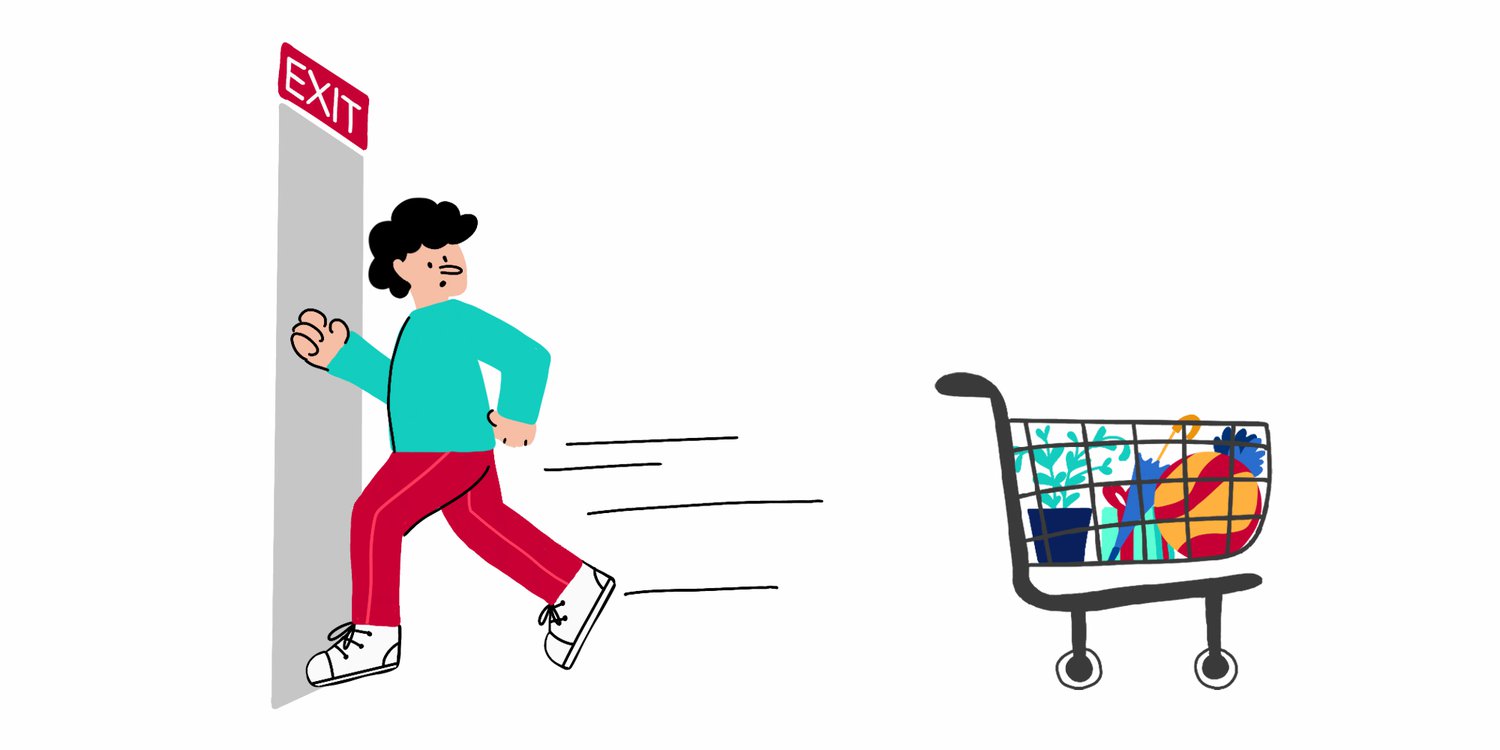
1.
Unexpected
Costs (like high
shipping or hidden fees).
2. Complicated
Checkout Process
(too many steps, forced account creation).
3.
Concerns
About Security or Trust
(lack of trust badges or SSL).
4.
Slow
Website or Checkout Load Time.
5.
No
Preferred Payment Options.
6.
Window
Shopping / Comparison Shopping.
7.
Unclear
Return Policies.
Here
is the good news, cart abandonment isn’t just a permanent loss it’s often a
signal that something in your store experience is creating friction. Customers
might be hesitant about shipping costs, overwhelmed by too many steps at
checkout, concerned about payment security, or distracted by other online
activities. With the right strategies, you can significantly reduce cart
abandonment and even recover lost sales.
In
this guide, we’ll walk you through proven, step-by-step strategies for reducing
cart abandonment on Shopify. We’ll cover:
·
The
most common reasons why shoppers abandon carts.
·
How
to optimize your checkout process for speed and simplicity.
·
The
role of pricing transparency, shipping options, and trust signals.
·
Recovery
tactics like cart abandonment emails and SMS reminders.
·
Tools
and Shopify apps that help automate the process.
By
the end of this article, you’ll have a clear framework to plug the leaks in your sales funnel,
boost conversions, and maximize your store’s revenue. Whether you’re a beginner
Shopify owner or running an established store, these strategies will help you
capture more of the sales you’ve already worked so hard to win.
Now
let’s go through the best
solutions for Shopify stores.
1.
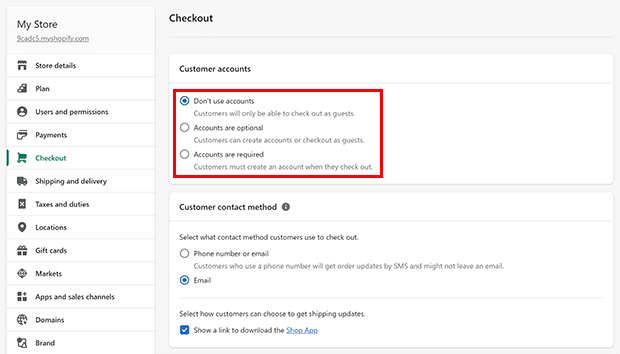
Optimize Your Shopify Checkout Flow

·
Enable
Guest Checkout →
Don’t force account
creation.
·
Use
Shopify’s One-Page Checkout (Updated version) → Reduce friction with fewer steps.
·
Offer
Shop Pay →
Shop Pay speeds up the checkout with stored customer details, leading to higher
conversions.
·
Add
Progress Indicators
→ Let customers know where they are in
the checkout process.
If
you haven’t read it, check out our guide on How to Create a High-Converting Shopify Checkout Experience for detailed checkout optimization
tips.
2.
Be Transparent About Costs Upfront
Unexpected
shipping or extra fees are the #1 reason for cart abandonment.
·
Show
Shipping Costs Early
→ Display estimated shipping in the
cart before checkout.
·
Offer
Free Shipping Thresholds
→ Example: “Free shipping on orders over $50.”
·
Bundle
Costs Smartly →
Build shipping into product pricing.
Tip:
Use apps like Free
Shipping Bar to display free shipping thresholds.
3.
Add Trust Signals
Shoppers
abandon carts if they don’t feel safe entering payment details.
·
Display
SSL certificates
(Shopify provides this).
· Add
trust badges
at checkout (“Secured by Shopify” or “Verified Payments”).
·
Include
customer reviews and
testimonials near checkout.
·
Offer
clear return and refund
policies linked from the cart page.
4.
Provide Multiple Payment Options
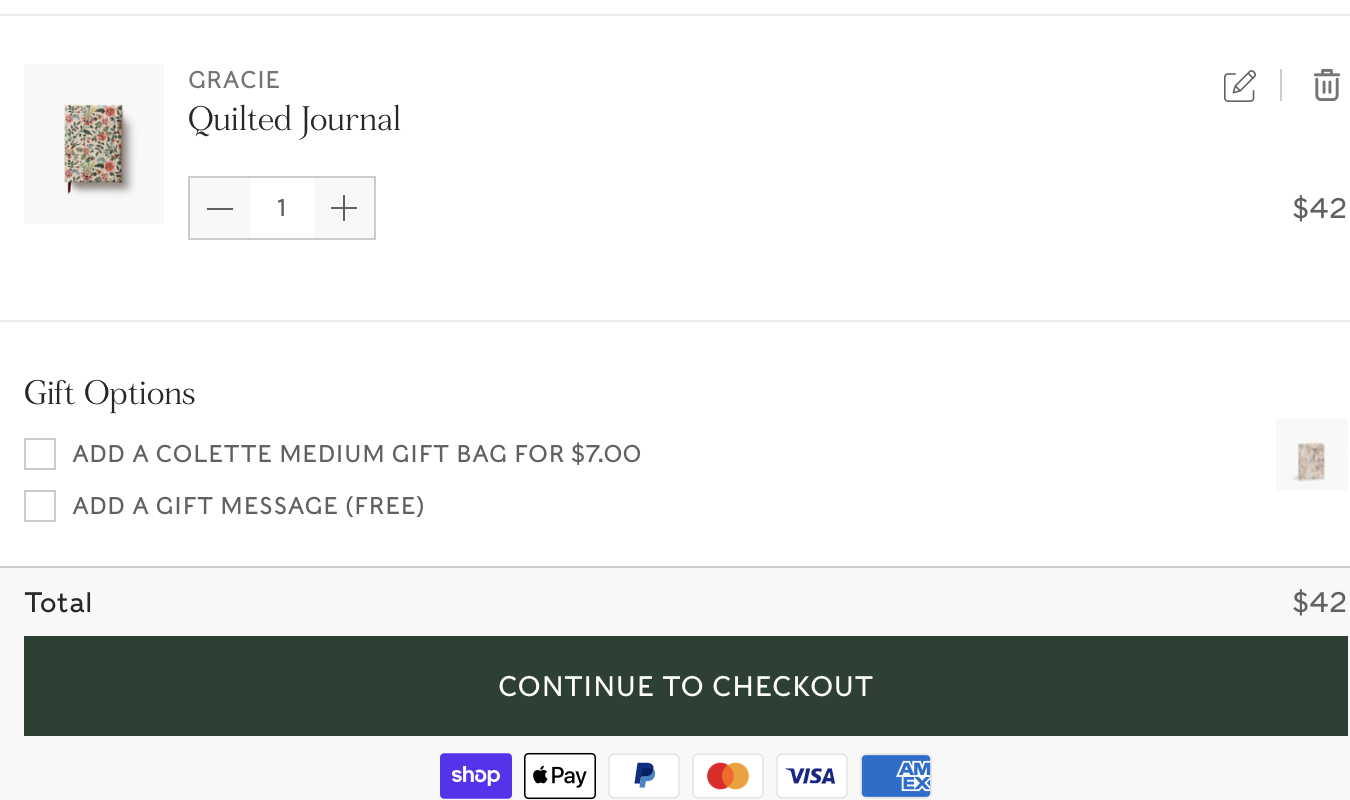
Customers
leave if they can’t pay the way they want. Shopify integrates with:
·
Credit/Debit
Cards
·
Shop
Pay
·
PayPal,
Apple Pay, Google Pay
·
Buy
Now, Pay Later (BNPL) services like Afterpay, Klarna, Affirm
By
enabling BNPL, you not only reduce cart abandonment but also increase average
order value.
5.
Improve Page Speed and Mobile Checkout
A
slow checkout can kill conversions.
·
Compress
and optimize images → (see our guide on Shopify Image Optimization).
·
Use
Shopify’s built-in
performance reports.
·
Test
mobile checkout since 70%+
of Shopify traffic is mobile.
6.
Use Cart Recovery Tools
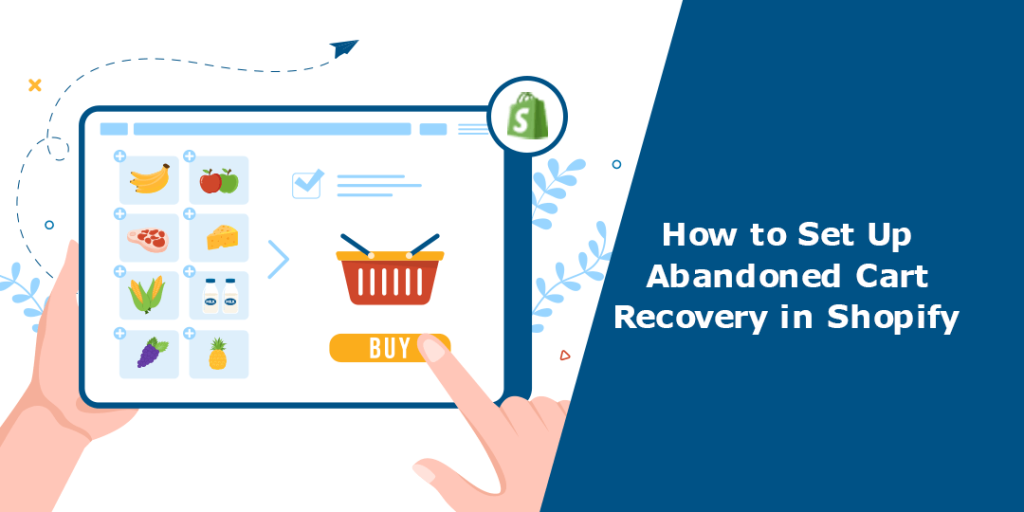
Abandoned
Cart Emails
·
Set
up Shopify’s built-in abandoned
cart email automation.
·
Send
within 1 hour
of abandonment for the best results.
·
Include
product image, urgency (“Your cart is waiting”), and an incentive
(discount/free shipping).
Retargeting
Ads
·
Run
Facebook & Instagram
dynamic retargeting ads for abandoned carts.
·
Use
Google Display Network ads to bring customers back.
Exit-Intent
Popups
·
Offer
a small discount when users move to close the page.
·
Example:
“Wait! Complete your order
now and get 10% off.”
7.
Personalize and Incentivize Checkout
·
Offer
limited-time offers
(“Checkout within 15 minutes for free shipping”).
·
Use
personalized
recommendations in the cart (cross-sells/upsells).
·
Add
a loyalty program
(“Earn 100 points for completing your order today”).
8.
Monitor Abandonment Analytics
Shopify’s
built-in reports help track:
·
Abandonment
rate by device (desktop vs mobile).
·
Where
in the checkout process people drop off.
·
Which
products are most abandoned.
Use this data to test and refine your strategy.
Final Thoughts
Cart
abandonment doesn’t have to be Shopify’s silent revenue killer. By simplifying
checkout, showing costs upfront, adding trust signals, and leveraging abandoned
cart recovery tools, you can dramatically reduce your abandonment rate.
The
goal isn’t just to recover lost sales it’s to improve the shopping experience so fewer carts are
abandoned in the first place.
Start
small: enable guest checkout, set up Shopify abandoned cart emails, and display
shipping costs upfront. Then, layer in more advanced strategies like
retargeting ads, BNPL payment methods, and personalized offers.
If you want to go deeper? Check out our related guides:
·
How to Create
a High-Converting Shopify Checkout Experience
·
The Shopify
SEO Checklist for New Stores
·
How to Speed
Up Your Shopify Store for Better Conversions
The key takeaway is this: don’t treat
cart abandonment as a single problem with a single solution.
Instead, view it as a combination of different friction points that require
layered fixes. Some customers abandon because of unexpected shipping costs solve
that with transparent pricing. Others get frustrated with lengthy checkout
forms solve that with guest checkout and autofill options. Some are simply
browsing solve that with well-timed recovery emails, discounts, or reminders
that bring them back.
Equally
important is building trust
and credibility. When customers see SSL certificates,
recognizable payment methods like Shop Pay or PayPal, and clear refund
policies, they feel reassured. Adding social proof such as testimonials,
reviews, or real-time purchase notifications can also reduce hesitation at checkout.
Finally,
automation is your ally. With Shopify apps like Klaviyo, Omnisend, or Abandonment Protector,
you don’t need to chase every lost customer manually. These tools help you send
personalized recovery messages, test different approaches, and continuously
improve based on performance data.
Reducing
cart abandonment isn’t just about increasing sales it’s about respecting your
customers’ time, addressing their concerns, and creating a frictionless shopping experience.
When you approach it from this angle, the benefits go beyond conversions.
You’ll build stronger customer relationships, encourage repeat purchases, and
foster long-term loyalty to your brand.
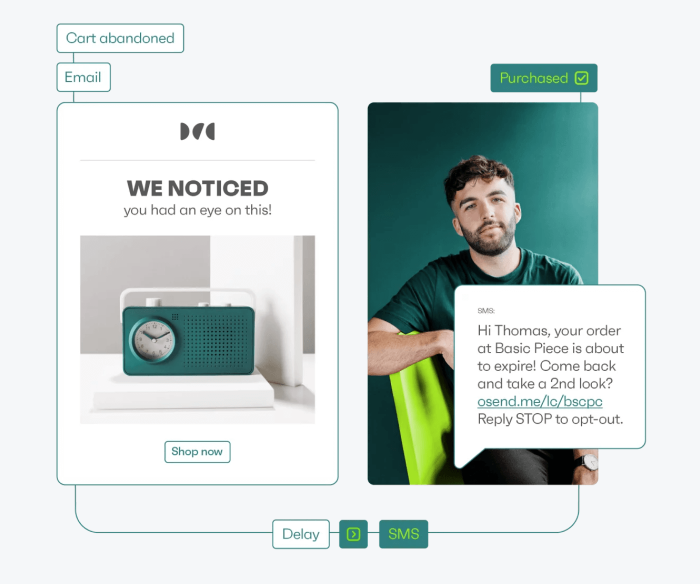
However, with the right approach, you’ll turn abandoned carts into completed purchases and that means more revenue for your Shopify store this year and beyond.
Are you now ready to level up your Shopify store? bookmark this tab and apply what you've learnt. Check back for more real and working tips for your Shopify store, Comment and follow us by submitting your email for any new articles that will help your ecommerce business grow. Thank you.






0 Comments
We are happy to see your feedback